
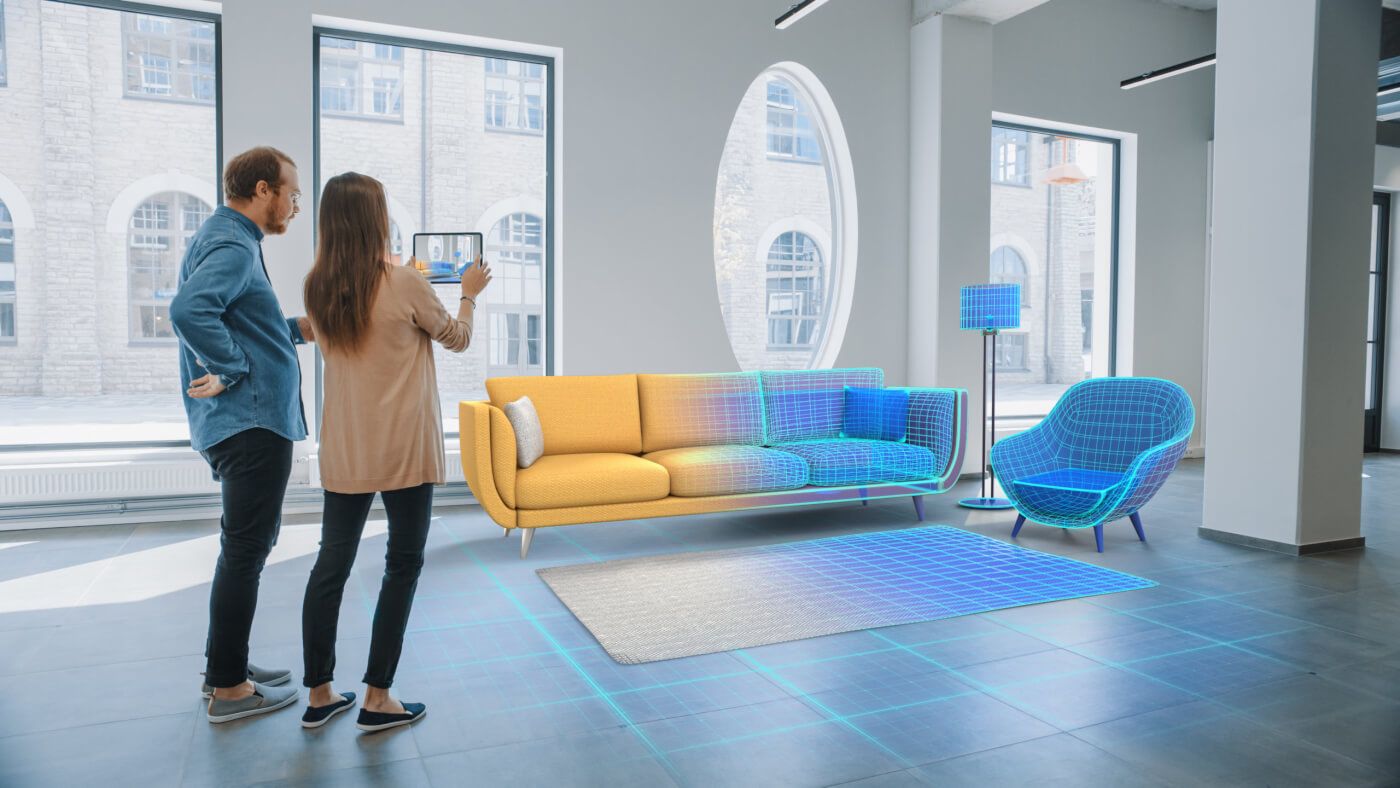
Until a few years ago, augmented reality solutions were a novelty that only the largest firms could afford. Today, virtual reality and augmented reality (AR/VR) technology is becoming more advanced, accessible, and an industry standard offering for reputed architectural design firms.
Augmented reality apps are an invaluable tool for architects and designers. They help digital artists create architectural models like never before. Instead of painstakingly explaining concepts to clients, you can create virtual models, floor plans, and lots more and showcase them in real time and 1:1 scale.
This guide will introduce you to the top six AR and VR applications in the field of architecture. Let’s take a look!
Comparison of the Best AR Apps and Software for Architecture
Table of Contents
| Tool | Platform | Best for | Cost |
|---|---|---|---|
| ARki | iOS | AR walkthroughs of 3D models on site | Free basic, paid Pro |
| Magicplan | iOS, Android | Scanning rooms and making floor plans | Free trial, paid |
| Augment | iOS, Android | 3D product visualization in real space | Free trial, paid |
| Morpholio Trace Pro | iOS | Mobile CAD sketching with AR | Paid subscription |
| Sun Seeker | iOS, Android | Sun path and shadow analysis | Paid |
| Matterport | iOS, Android | 3D digital twins and virtual tours | Free plan, paid tiers |
| Graphisoft BIMx | iOS, Android, desktop | Presenting BIM models to clients | Free viewer, paid features |
| Fologram | iOS, HoloLens | AR for construction and fabrication | Free trial, paid |
| Unity AR Foundation | Cross-platform (developer) | Building custom AR apps | Free framework, paid tiers |
| Vuforia | Cross-platform (developer) | Enterprise AR, object and model recognition | Free trial, paid |
| Apple ARKit | iOS (developer) | Building AR apps for iPhone and iPad | Free toolkit |
| Google ARCore | Android (developer) | Building AR apps for Android | Free toolkit |
12 Best Augmented Reality (AR) Apps and Software for Architecture in 2026
1. ARki
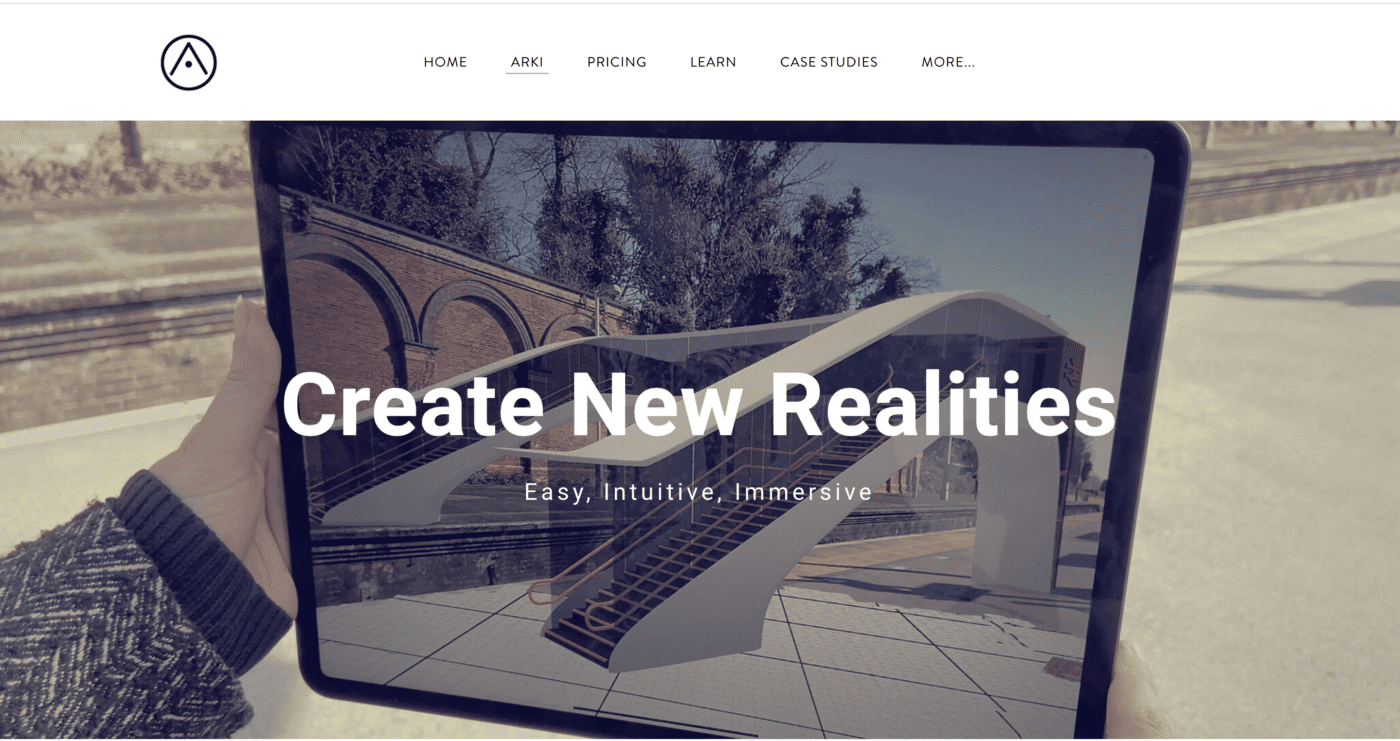
ARki is the top AR architectural app in the market right now. It’s available on the iOS App Store and the basic version can be downloaded for free.
Through the app, you can experience 3D projects in augmented reality and view, share and communicate the design with no hassle. Moreover, you can use the AR/3D mode to create mixed reality on-site visualizations in any environment. The Pro version offers access to a large collection of interactive features including real-time shadows, creating material palettes and syncing projects between devices.
ARki supports .FBX files created on 3D softwares such as 3dsmax, Maya, Blender, Microstation, Sketchup, Archicad, Rhino, Cinema 4D, Revit and many more.
Click here to download ARki on the App Store.
2. Magicplan
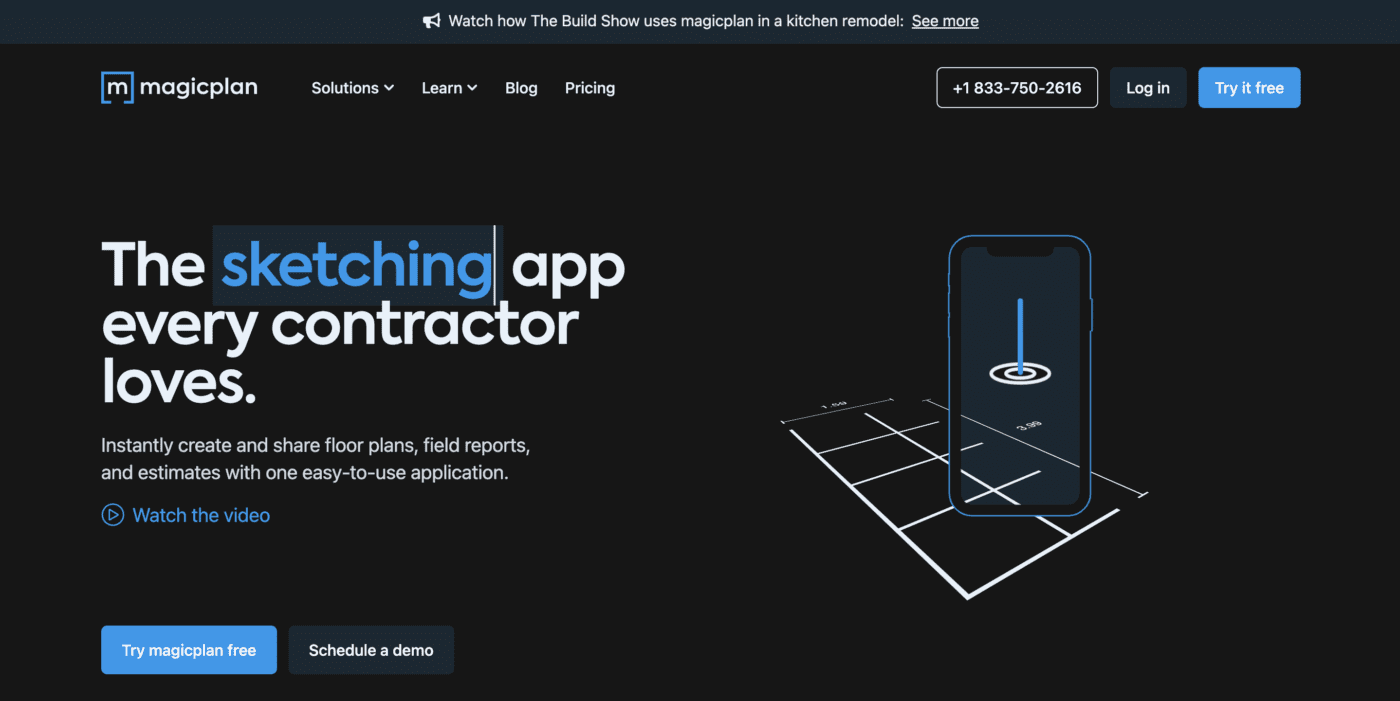
Magicplan is a feature-rich architectural drafting app that lets users create and share floor plans, field reports and estimates, with one easy to use application. Its state of the art tech lets you measure and sketch interior plans in 2D and 3D and sync all data back to a single centralized hub. The best part? You can scan a room using your smartphone’s camera and generate accurate floor plans in seconds.
The app is available on iOS and Android. It is a paid app (starting at $8.33/ year) but you can make use of the free trial to determine if it works for you.
You can download it here.
3. Augment
Augment is an augmented reality mobile app which allows users to visualize their products in 3D in real environment and real time. It transforms your plans into a 3D model hologram and simulates life-sized products. It has revolutionized the use of augmented reality in construction by allowing you to show your vision to clients and vendors, reducing prototyping costs and boosting sales.
Augment is available on iOS and Android. You can download it here.
4. Morpholio Trace Pro
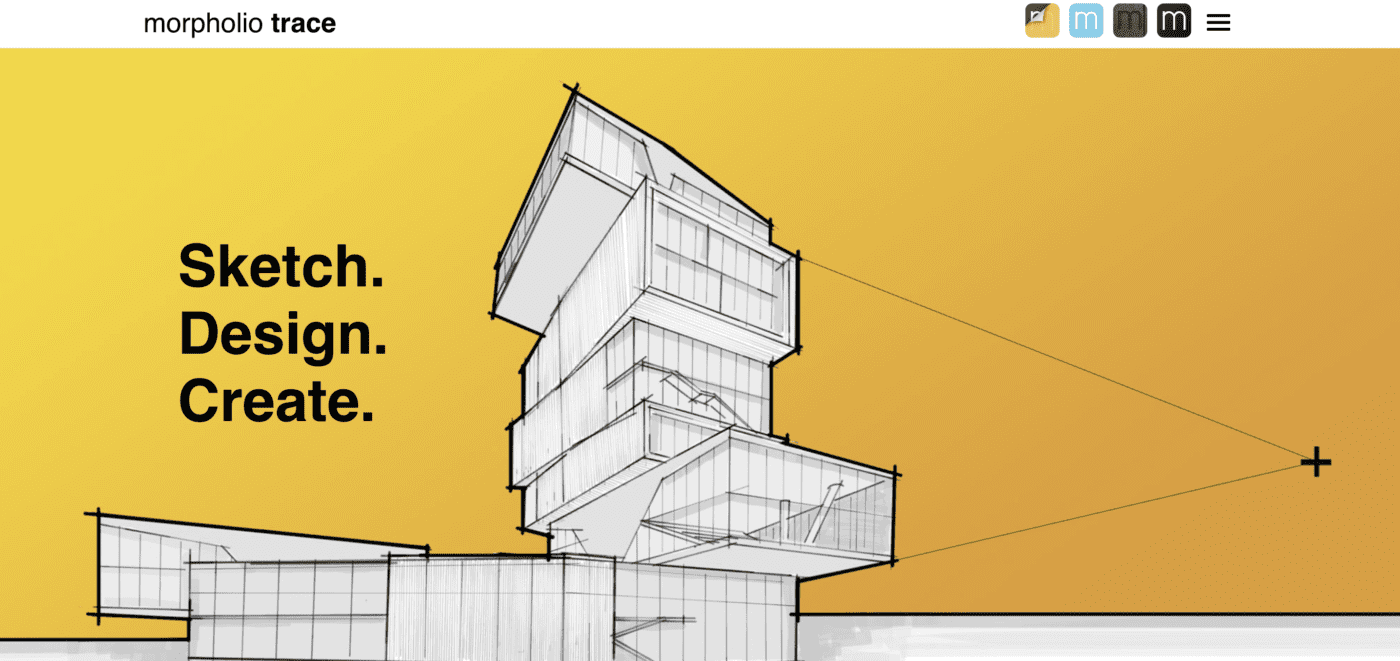
Morpholio Trace Pro is all in one mobile CAD app with many useful features. It has two augmented reality tools that can be used for architectural purposes: AR SketchWalk and AR Perspective Finder.
With AR SketchWalk, you can virtually project your architectural CAD drawings into a real environment while keeping them true to scale. You can view the floor plans as they are or complete with the elevations.
AR Perspective Finder is a handy tool to create architectural drafts directly on your smartphone. You can scan a room through your smartphone or tablet camera and the app will show you accurate virtual perspective grids that you can draw on.
Morpholio Trace Pro is available on iOS for $19.99/year. You can download it here.
5. Sun Seeker
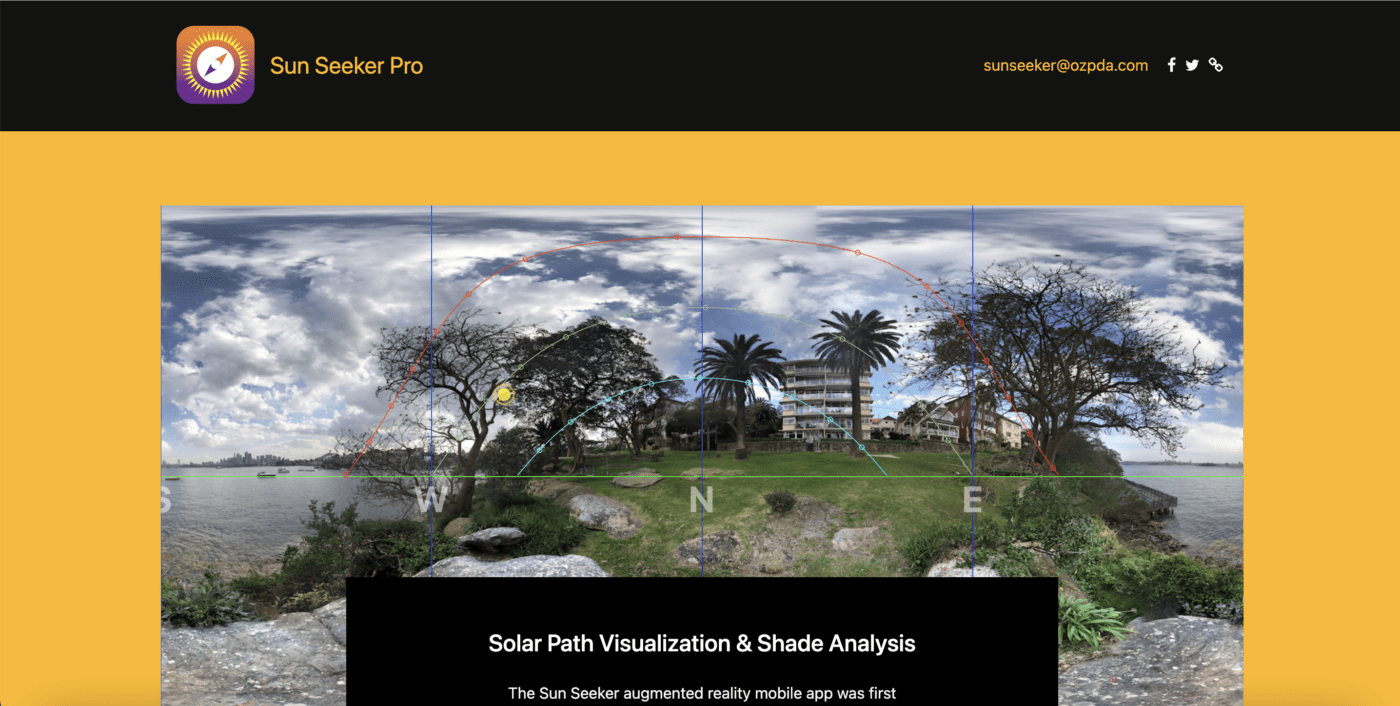
Sun Seeker is a unique augmented reality app that lets you see the sun’s path at a specific location. You can check the sun’s precise location at different days of the year and even different times in a day. This app is useful to analyze and understand the amount of shade and solar exposure your building will get once it’s complete. By keeping this information in mind, you can better plan the design and optimize it to make it more efficient.
Sun Seeker is available on iOS and Android and has a one-time purchase fee of $9.99. You can find out more about the app here.
6. Matterport

Matterport is a convenient and cost-effective mobile app that lets you convert up to 1,000 square feet of space into an immersive 3D digital model that can be shared with the project’s stakeholders. You can create attractive 3D virtual tours in minutes and publish them in professional and social networks.
Your clients can also download your models from the cloud and view them from their personal devices without installing any software.
Matterport is available on iOS and Android. You can download it here.
We hope you enjoyed our guide to the best augmented reality architectural visualization apps. If you’re looking to create photo-realistic 3D renders and augmented reality videos, consider partnering with Render Atelier.
We’re a boutique rendering firm specializing in real estate, interior, architecture, and product renders that combine poetry with precision to give breathtaking results. Our team consists of the best interior designers, architects, and digital artists in the industry and help you bring your vision to life with unmatched accuracy.
Ready to render your clients speechless? Click here to find out more
Frequently asked questions
What is the best augmented reality app for architecture?
ARki is the most popular AR app for architects because it lets you view 3D models at full scale on site. For presenting BIM models to clients, Graphisoft BIMx is a strong choice. The best one depends on whether you want quick walkthroughs or detailed BIM presentations.
What is the difference between AR apps and AR software for architecture?
AR apps like ARki, Magicplan and Matterport are ready to use on a phone or tablet with no coding. AR software and frameworks like Unity AR Foundation, Vuforia, Apple ARKit and Google ARCore are for building your own custom AR experiences. Apps suit most architects, while software suits firms that want a bespoke tool.
Is there free augmented reality software for architecture?
Yes. Apple ARKit and Google ARCore are free developer toolkits. ARki offers a free basic version, and Graphisoft BIMx has a free viewer. A lot of paid tools also offer a free trial, so you can test them before you buy.
What is the best AR app for construction?
Fologram is built for construction and fabrication. It lets teams follow AR models on site. Magicplan is useful for field reports and floor plans. Matterport works well for site documentation and 3D digital twins.
Can I use augmented reality for interior design and flooring?
Yes. AR apps let you place furniture, finishes, and flooring in a real room at true scale before you buy or build. ARki and Augment help you visualize products and materials in the actual space, so clients can see the result early.
What is the difference between AR and VR in architecture?
Augmented reality adds 3D models on top of the real world, so you see a design in an existing space through your device. Virtual reality replaces the real world with a fully digital one you step into. AR is handy on site, while VR suits immersive walkthroughs of unbuilt projects.

