
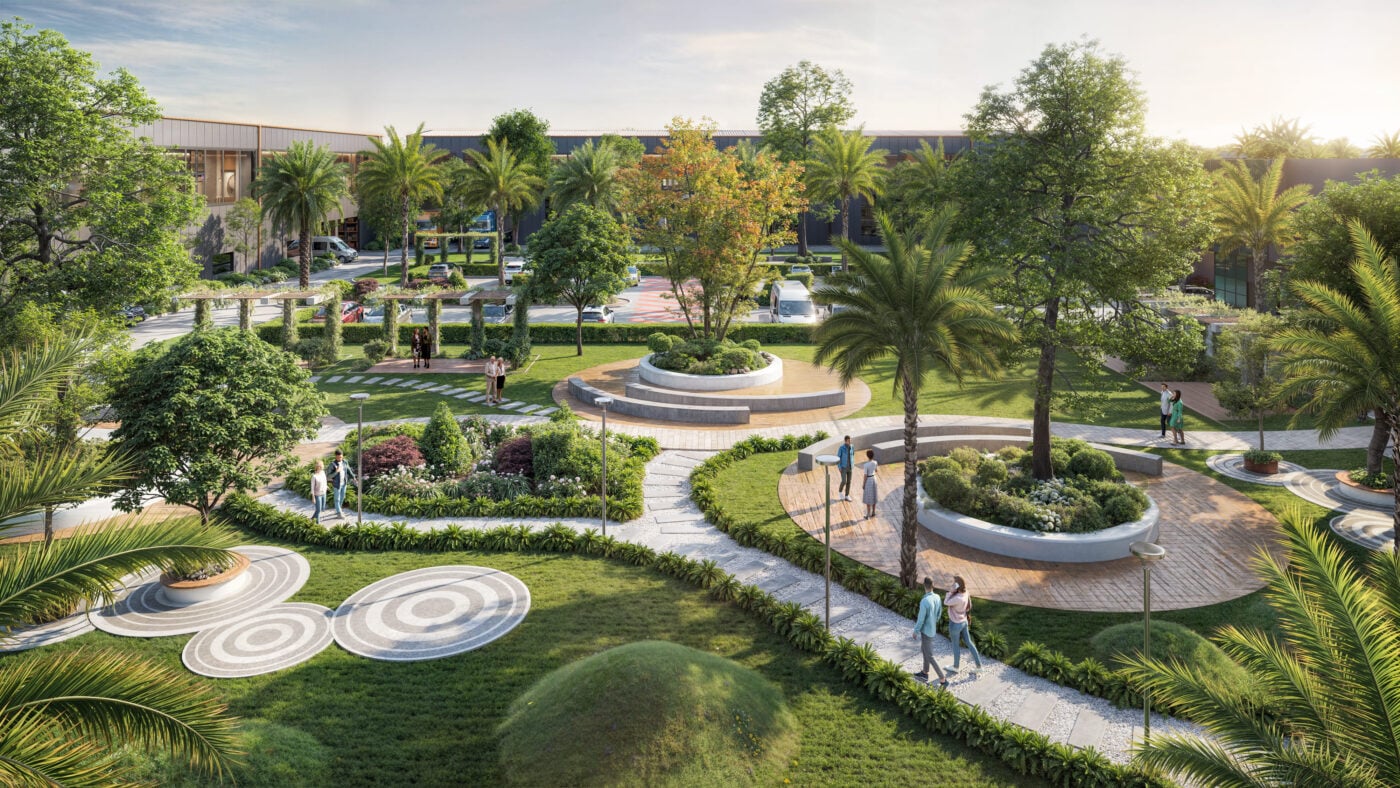
Landscape architectural visualization now has two very different kinds of AI tools available, and they solve different problems.
A well-planned workflow helps 3D artists and visualization teams reduce unnecessary work, avoid repeated tasks, and use rendering resources more efficiently. The goal is not simply to render faster, but to maintain the required visual quality while reducing avoidable delays.
The first kind is built for homeowners. You can upload a photo of a yard, pick a style, and get a redesigned image back in under a minute. These tools are fast and useful for early inspiration, and they don’t require any design software or technical drawing skills to use. The second kind is built into professional workflows. These tools connect with CAD files, GIS data, and construction-grade drawings, and they’re designed to support the actual steps a landscape architect takes on a real project, from early site reading through to detailed planning.
Knowing which kind of tool fits which stage of a project makes it easier to use the right one at the right time, rather than expecting one tool to do a job it wasn’t built for.
Where Does AI Save Real Time on a Project?
Table of Contents
Site analysis is one of the clearest places AI helps. Reading a site by hand, sun patterns, slopes, water flow, access points, protected trees, takes real time, often spread across a site visit and hours of follow-up work. Some tools now do a version of this automatically, parsing photos and plans to identify edges, access points, circulation, sun and shade patterns, slopes, and likely water paths, while also surfacing constraints like setbacks and protected trees.
Other platforms pull in environmental data early in the planning stage, giving feedback on solar exposure, wind, daylight penetration, and microclimate conditions. This kind of analysis used to require pulling data from several separate sources and combining it manually. Now it can often be reviewed in one pass, early in the process, before major design decisions get made.
Is there Anything AI Does That's Specific to Landscape Work?
Yes. Buildings don’t change shape over ten years. Plants do. Some software models how trees and shrubs will look at maturity, using a set timeline to show growth so architects can plan for canopy coverage, root spread, and long-term maintenance. This addresses landscape design by considering living material that changes shape and size long after a project is finished. A design that looks balanced on day one can look completely different five years later, and this kind of simulation helps account for that shift early rather than discovering it after planting.
What Should Someone Look for When Choosing a Tool?
A few practical questions help narrow things down. Does the tool understand outdoor environments and topography, or was it built mainly for indoor architecture? Can it work with real file formats like DWG, SKP, or IFC? Does it respect existing hardscape lines and planting plans, or does it generate new geometry on its own?
Tools that handle these well tend to fit smoothly into a professional workflow, since they can slot into the files and formats a firm already uses. Tools that don’t are usually better suited to quick visual concepts than to technical project work, and that’s a reasonable use for them too, as long as the limitation is clear from the start.
Can AI be Trusted to Choose Plants?
To an extent, yes. One study compared AI-generated plant lists against lists made by human experts and found the AI-generated lists were highly efficient, accurately matched site conditions, and improved plant availability while significantly reducing selection time.
The same study found that human expertise remained essential for aesthetic quality and design intent, and that AI worked best alongside human judgment rather than as a replacement. In practice, this means AI is useful for narrowing a long list of climate-appropriate, site-appropriate options down quickly, which can save real research time. A person still shapes how those plants come together visually and fits them to the character of a specific project.
How Does AI Fit Alongside the Rest of the Design Process?
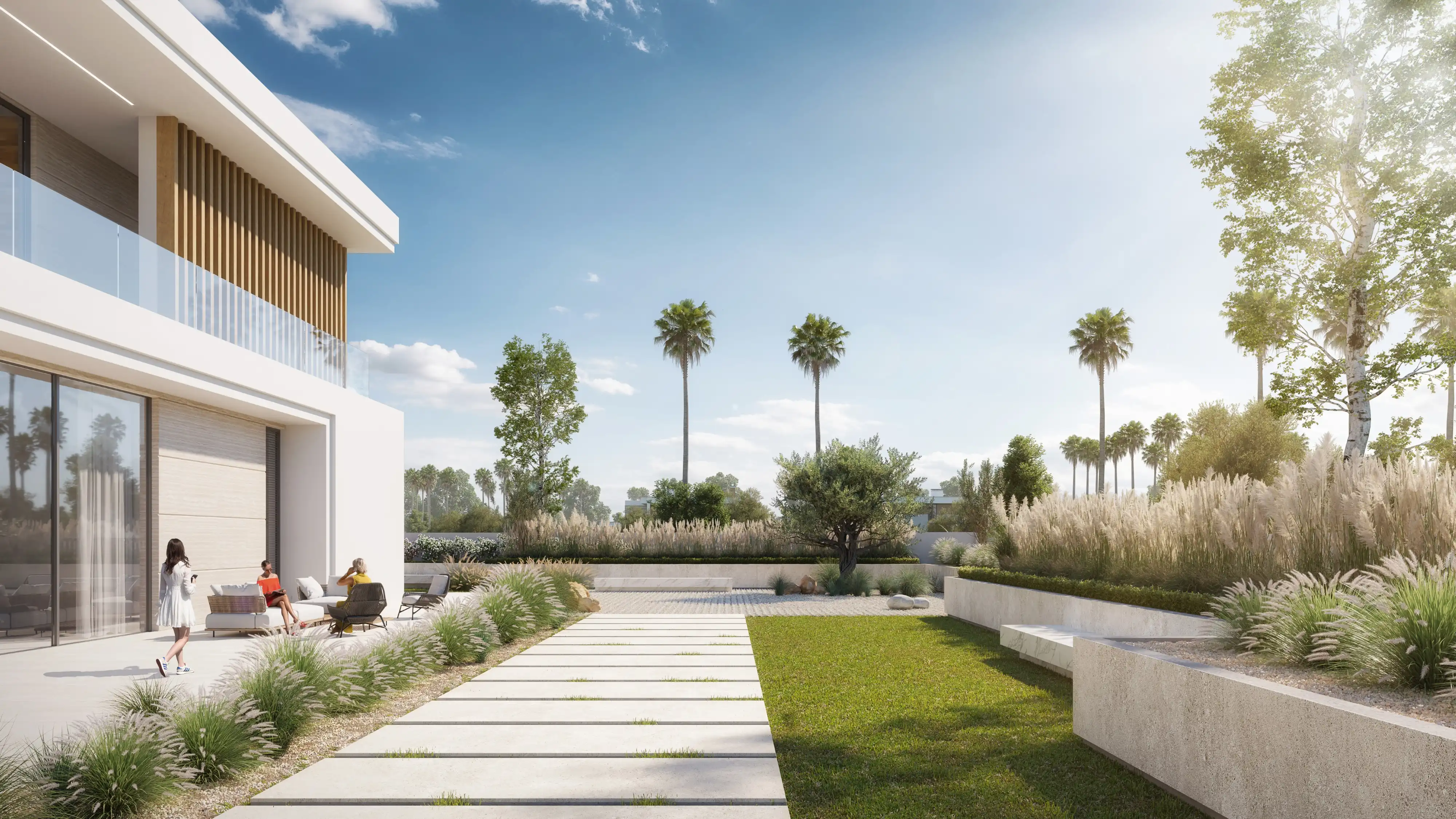
Most professionals combine a fast AI tool for early concepts with a dedicated CAD platform for the construction documents a project actually needs. AI speeds up the beginning of a project, exploring ideas and testing options quickly across multiple directions before committing to one. The detailed, technical work that follows, grading plans, irrigation layouts, construction specifications, still runs through traditional design software, where precision and code compliance matter most.
This isn’t really a gap in what AI can do so much as a reflection of what each stage of a project actually needs. Early concept work benefits from speed and volume, whereas construction documentation benefits from precision and accountability.
What's the Practical Takeaway?
Generative AI is genuinely useful for a specific set of tasks in landscape architecture such as site analysis, environmental data, growth simulation, and early plant selection. It’s less suited to full design ownership, replacing professional judgment, or producing construction-ready documents on its own.
At Render Atelier, this is the same balance we bring to our own process. AI helps speed up early concepts and visualization. The craft, judgment, and technical accuracy that turn a concept into something buildable still come from the people doing the work.
FAQ’s
Can AI replace a landscape architect's site visit?
Not fully. AI can speed up early site reading from photos and plans, but a real site visit still catches details, like drainage patterns or existing tree health, that photos and data alone often miss.
Are AI-generated planting plans accurate enough to build from?
Not on their own. AI-generated plant lists tend to be efficient and well-matched to site conditions, but human review is still needed to check aesthetic fit and overall design intent before anything gets built.
Do professional firms need to disclose AI use in client-facing work?
This varies by firm and jurisdiction, and there’s no single standard yet. Given the current copyright limits on AI-generated design work, many firms choose to be transparent about where AI was used in a project.
Is it safe to use AI-generated renderings in official client presentations?
Generally yes for early concept discussions, as long as clients know the images are a visualization aid rather than final, buildable documentation. Construction-ready presentations still call for professional review and technical drawings.
Will AI tools eventually replace CAD software for landscape architects?
Unlikely in the near term. AI tools are currently strongest at early concepts and analysis, while CAD platforms remain the standard for the precise, construction-ready drawings a project ultimately needs.

